Setting Up Your Membership App
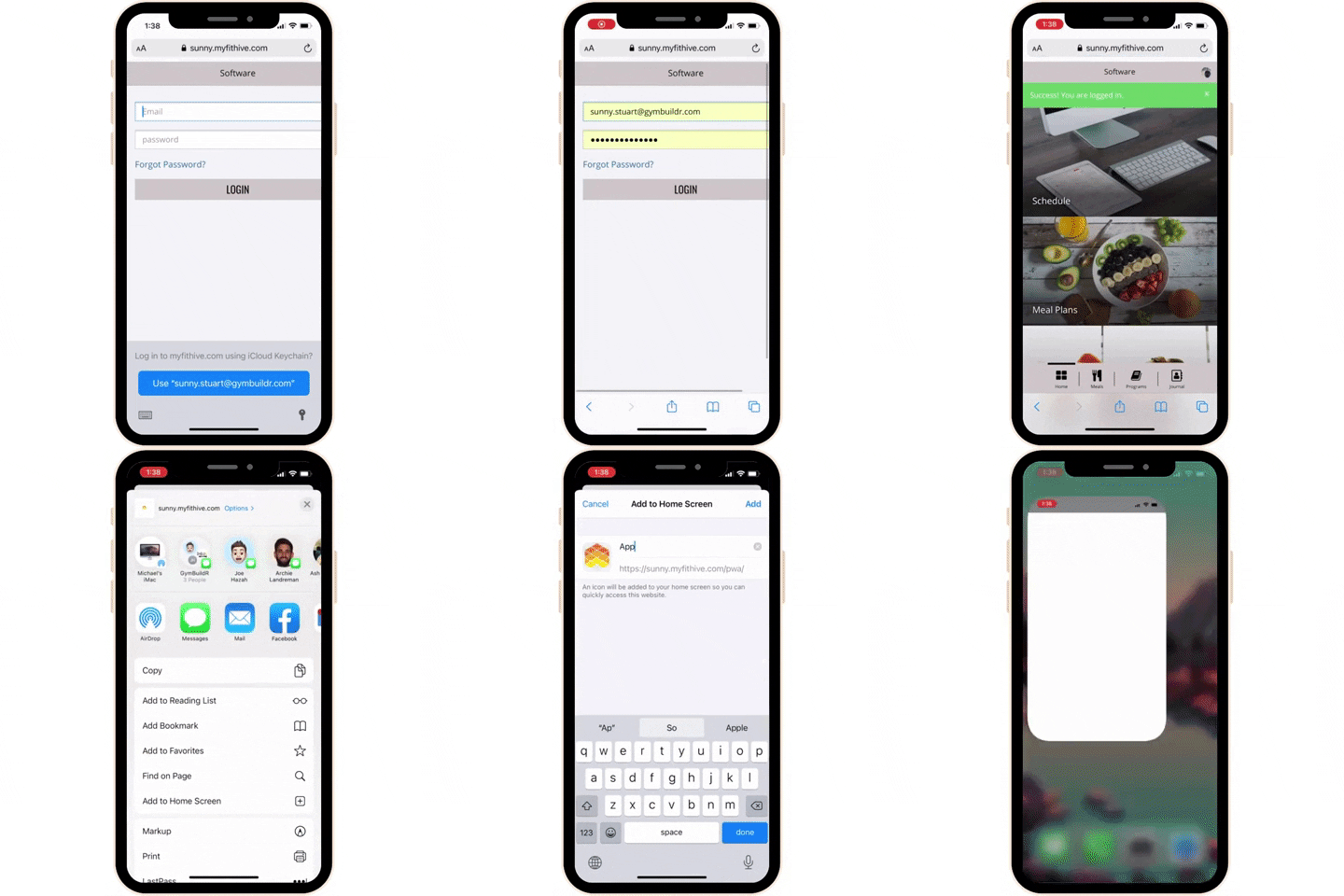
Access your account online through our website
Go to THE COLLECTIVE website then follow these instructions to log into your online account. From here you'll be able to:
- Sign any available waivers
- Update any personal information or emergency contacts
- Update/add payment method
- Schedule/check-in for classes
- Set up a unique pin number for POS items
- See current membership(s)
- Access the mobile app
- Journal/records/programs/community
- And much more!

WAIVERS
Once you're logged into your account you may see a waiver that needs to be signed before using the system.